
Most e-commerce stores do not have a traffic problem. They have a conversion problem. Thousands of visitors arrive, browse a few pages, and leave without buying. The difference between a store converting at 1% and one converting at 3% is not more ads — it is a better buying experience.
A high-converting store is not built with tricks, popups, or countdown timers. It is built by removing friction, building trust, and making it easy for a motivated shopper to say yes. Here are 10 strategies that actually work.
1. Make Your Value Clear in Five Seconds
When a new visitor lands on your homepage, they ask three questions: What do you sell? Who is it for? Why should I buy from you instead of somewhere else? If they cannot answer those in five seconds, they bounce.
Use a clear headline, a supporting subheadline, and one primary call to action above the fold. Avoid vague slogans like "Quality You Deserve." Instead, be specific: "Handmade leather bags built to last 10 years — free returns for 60 days."
Show bestsellers immediately. New visitors do not want to explore your entire catalog. They want to see what other people buy and love.
2. Speed Up Every Page That Matters
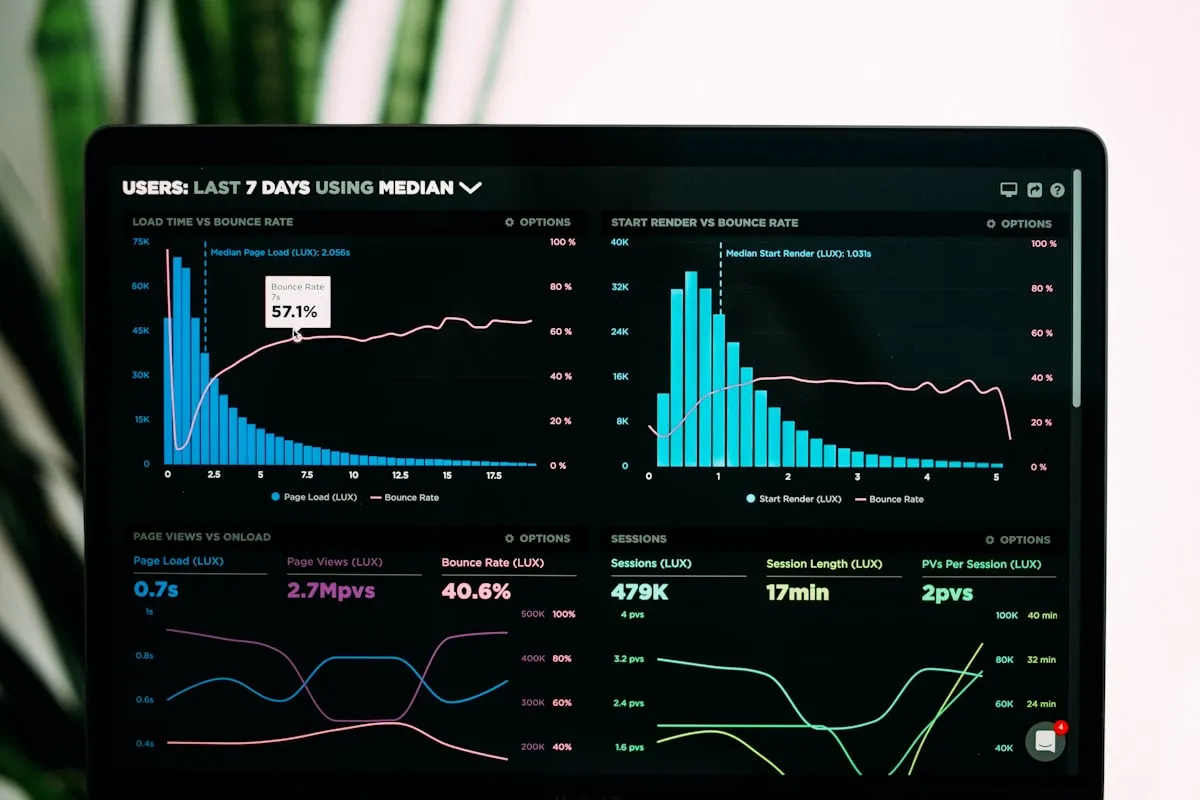
Each extra second of load time reduces conversion. Product pages, category pages, and checkout are where speed matters most. Shoppers on mobile connections will abandon a page that feels heavy or slow.
Compress images to WebP, lazy-load below-the-fold media, and avoid heavy sliders and video backgrounds on product pages. Keep third-party scripts — chat widgets, review badges, pixels — under control. Test your top five money pages on a real phone with a throttled connection, not just on desktop broadband.
3. Build Product Pages That Sell
Your product page is your salesperson. High-converting pages answer every objection before the shopper has to ask: What exactly am I getting? Will it fit / work for me? What if I do not like it? When will it arrive?

Use multiple high-resolution images, including lifestyle shots and close-ups of texture, packaging, and scale. Add size guides, compatibility notes, and real delivery estimates. Show star ratings, review counts, and a few detailed reviews near the add-to-cart button — not hidden in a tab.
Keep the add-to-cart button visible, use a sticky buy bar on mobile, and avoid forcing account creation before purchase.
4. Simplify Checkout to the Essentials
Every extra field in checkout is a reason to leave. Audit your form and delete anything you do not need before payment. For most stores, shipping and billing addresses are identical — do not ask twice. Phone numbers, company names, and order notes should be optional or removed.
Offer guest checkout by default. Save account creation for after the purchase, when motivation is highest. For returning customers, offer stored addresses and one-click payment with Shop Pay, Apple Pay, Google Pay, or PayPal.
5. Show Full Costs Upfront
Unexpected shipping, taxes, and fees at the final step are the top reason for abandonment. Shoppers mentally commit to a price, then feel misled when the total jumps 20% on the payment screen.

Add a shipping estimator on the cart page. Show tax estimates early where possible. If you offer free shipping over a threshold, show a progress bar: "Add $18 more for free shipping." It increases average order value while reducing surprise.
Be explicit about delivery times. "Ships in 24 hours, arrives in 3-5 days" converts better than "Fast shipping."
6. Add Trust Where Hesitation Happens
People do not buy from stores they do not trust. Hesitation spikes in the cart and at payment — exactly where you need reassurance most.

Display secure checkout badges, accepted payment logos, and money-back guarantees near the buy button. Link your return policy in plain language: "30-day returns, no questions asked, prepaid label included." Show real customer photos, video reviews, and user-generated content.
Make support visible. Live chat, a clear contact page, and order tracking reduce anxiety for first-time buyers.
7. Design Mobile-First, Not Desktop-Down
In most categories, over 70% of traffic is mobile, yet many stores still design for desktop first. On a small screen, multi-column layouts, tiny buttons, and long forms are conversion killers.
Use a single-column layout, large tap targets, sticky add-to-cart, autocomplete for addresses, and digital wallets that avoid typing card numbers. Test the full journey — search to purchase — on iOS and Android with one hand.
8. Make Products Easy to Find
If shoppers cannot find the right product in under 30 seconds, they leave. Navigation, search, and filters are conversion tools, not just catalog features.
Keep top-level categories to 5-7 items, use shopper language instead of internal jargon, and add predictive search with images, prices, and popular queries. Add faceted filters for size, color, price, brand, and availability, and always show in-stock items first. An empty search result page should suggest alternatives instead of saying "No results found."
9. Recover Shoppers Who Leave
Even great stores lose 60-80% of carts. Recovery is part of conversion strategy, not an afterthought.
Send a helpful reminder within 2-4 hours with a product image and a direct cart link. Follow up after 24 hours with social proof or answers to common objections — sizing, returns, delivery — instead of an immediate discount. Reserve discounts for the final reminder, and let shoppers opt out easily.
Use browse abandonment and price-drop emails sparingly. Relevance beats frequency.
10. Measure, Test, and Improve Continuously
High conversion is not a one-time redesign. It is a habit of measuring friction and fixing the biggest leak first.

Track these core metrics:
- Overall conversion rate — Orders divided by sessions. Segment by device, channel, and new vs. returning.
- Product-to-cart rate — If low, your product pages or pricing need work.
- Cart-to-checkout rate — If low, shipping costs or trust are likely issues.
- Checkout completion rate — Drop-offs by step show exactly which field or screen causes friction.
- Mobile vs. desktop gap — A large gap means mobile UX is your priority.
- Average order value — Bundles, free-shipping thresholds, and post-purchase upsells grow revenue without more traffic.
Start With the Biggest Leak
You do not need all 10 strategies at once. Pick the stage where you lose the most shoppers — product page, cart, or checkout — and fix one friction point this week. Clarify your value proposition, show costs early, simplify forms, add proof, and speed up mobile.
Small, practical improvements compound. Stores that test continuously often double conversion in months without spending more on ads.